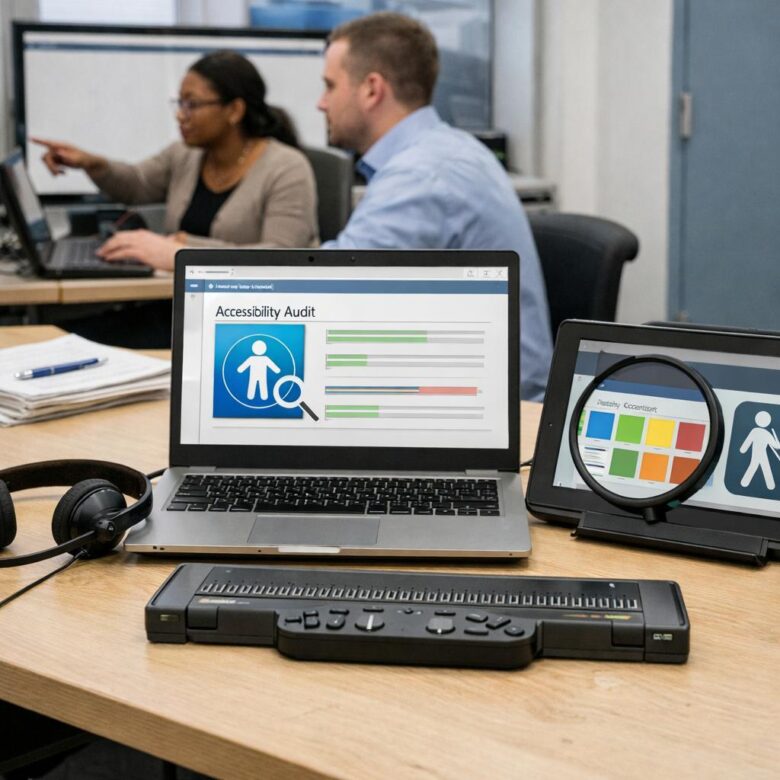
What if your biggest enterprise deal fails because a learner can’t use your platform?
For EdTech companies selling to schools, universities, governments, and large employers, accessibility is no longer a “nice to have”-it is a procurement requirement, legal risk, and product-quality signal.
WCAG compliance shows that your platform can serve diverse learners, including people who rely on screen readers, keyboard navigation, captions, clear structure, and adaptable content.
This article explains what enterprise clients expect, how WCAG standards apply to EdTech products, and how to turn accessibility from a checkbox into a competitive advantage.
What WCAG Compliance Means for Enterprise EdTech Platforms
For enterprise EdTech platforms, WCAG compliance is not just a design checklist. It affects procurement, legal risk, product adoption, customer retention, and the total cost of serving schools, universities, and corporate training teams.
Enterprise clients often require proof that a learning management system, assessment tool, or student portal works with assistive technology such as screen readers, keyboard navigation, captions, and text resizing. In practice, this means your platform should support users who rely on tools like NVDA, JAWS, VoiceOver, or browser-based accessibility settings without breaking core learning workflows.
A real-world example: if a university buys an online exam platform, students must be able to read questions with a screen reader, navigate answers using only a keyboard, receive clear error messages, and submit the test without timeouts creating barriers. If that flow fails, the issue becomes more than usability; it can trigger ADA, Section 508, or contract compliance concerns.
For product and compliance teams, WCAG usually translates into three practical requirements:
- Running regular accessibility audits using tools such as axe DevTools, WAVE, or Lighthouse.
- Maintaining documentation such as a VPAT or accessibility conformance report for enterprise sales.
- Building accessibility testing into QA, design systems, and release cycles.
The smartest platforms treat accessibility compliance as part of enterprise software quality, not a one-time fix before a client review. That approach lowers remediation cost, improves learner experience, and makes the product easier to approve during high-value institutional procurement.
How to Build Accessible Learning Experiences Across Content, UX, and LMS Integrations
Accessible EdTech starts before development, not after a WCAG audit. Treat every course, assessment, video, and LMS workflow as part of the same compliance system, especially when enterprise clients ask for WCAG 2.2 AA, Section 508, VPAT documentation, and assistive technology support during procurement.
For content, build templates that force good habits: semantic headings, descriptive links, alt text fields, keyboard-friendly interactions, captions, transcripts, and readable color contrast. In practice, accessibility issues drop quickly when instructional designers use shared templates in tools like Articulate 360 or Adobe Captivate instead of rebuilding layouts from scratch for every module.
- Content: test PDFs, SCORM packages, quizzes, and videos before publishing, not after learners complain.
- UX: validate navigation with only a keyboard and screen readers such as NVDA or JAWS.
- LMS integrations: confirm LTI tools, SSO screens, gradebook sync, and third-party plugins do not break accessibility.
The LMS layer is where many compliance gaps appear. A course may be accessible inside the authoring tool, but the experience can fail when launched through Canvas, Moodle, Blackboard, or an enterprise learning platform with custom branding, pop-ups, inaccessible modals, or poorly labeled buttons.
A practical approach is to include accessibility acceptance criteria in every vendor integration checklist. For example, before approving a proctoring tool or analytics dashboard, require keyboard testing, screen reader labels, caption support, error message clarity, mobile accessibility checks, and written remediation timelines in the service agreement.
Common Accessibility Compliance Gaps That Put EdTech Enterprise Deals at Risk
Enterprise buyers do not just ask whether your EdTech platform “supports accessibility.” They often require WCAG 2.1 or WCAG 2.2 evidence, VPAT documentation, assistive technology testing, and proof that accessibility is part of your product development process. The gaps that hurt deals are usually practical ones found during procurement reviews.
A common example is a learning management system with strong content but poor keyboard navigation in quizzes or proctored exam flows. If a student cannot complete an assessment using only a keyboard or screen reader, districts and universities may treat it as a legal, procurement, and student support risk.
- Missing or outdated VPAT: Enterprise clients often request a current Accessibility Conformance Report before signing software contracts.
- Unlabeled interactive elements: Buttons, drag-and-drop activities, charts, and video controls may fail screen reader testing in tools like NVDA or JAWS.
- Incomplete captioning and transcripts: Video-based courses, webinars, and AI tutoring sessions need accurate captions, not just auto-generated text.
In practice, the most expensive accessibility fixes are rarely color contrast changes. They are workflow issues: inaccessible checkout pages, timed tests, PDF certificates, admin dashboards, and third-party integrations. These affect implementation cost, customer support load, and contract renewal risk.
EdTech teams should run automated scans with tools such as axe DevTools, but they should not stop there. Manual testing with real devices, screen readers, keyboard-only navigation, and representative course content gives procurement teams more confidence and helps prevent last-minute accessibility remediation services from delaying the deal.
Closing Recommendations
Accessibility compliance is not just a procurement checkbox for enterprise EdTech buyers; it is a signal of product maturity, risk control, and long-term scalability. Teams that treat WCAG as a design and engineering standard-not a late-stage audit task-will move faster through security, legal, and vendor reviews.
Practical takeaway: build accessibility into roadmaps, QA workflows, content operations, and client reporting. When choosing or developing EdTech solutions, prioritize vendors that can prove ongoing compliance, transparent remediation practices, and accountability beyond launch.

RPG Gamitrix Editorial Team publishes practical, source-based guides about enterprise learning, professional certifications, gamification, learning management systems, and B2B educational technology.